Move and rotate
Reposition the matches and let them snap to the board as you build the goal shape.
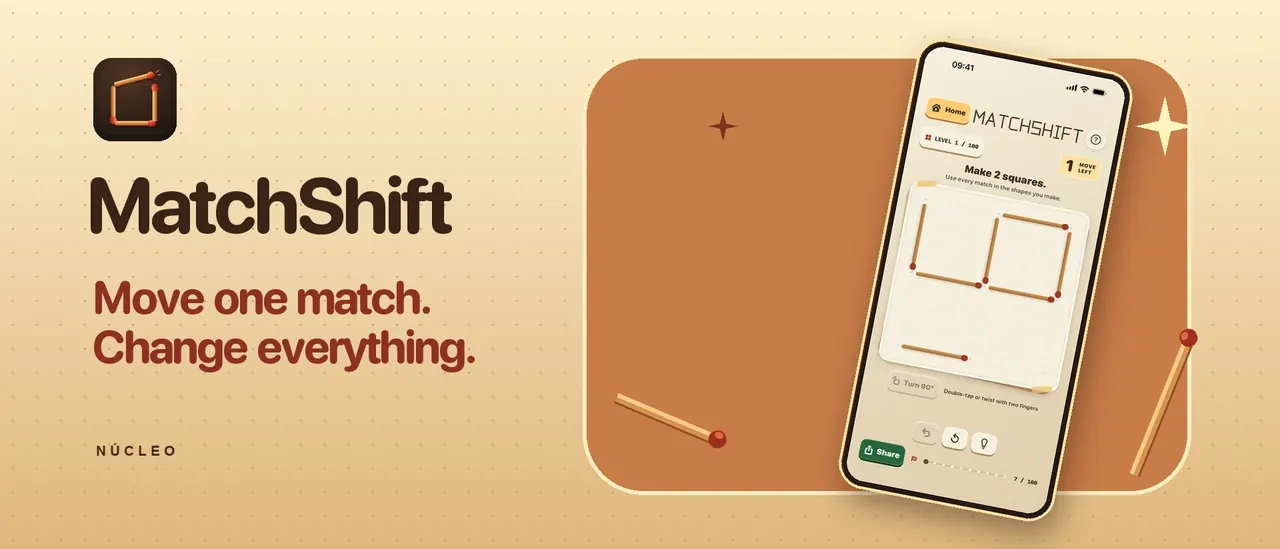
MatchShift
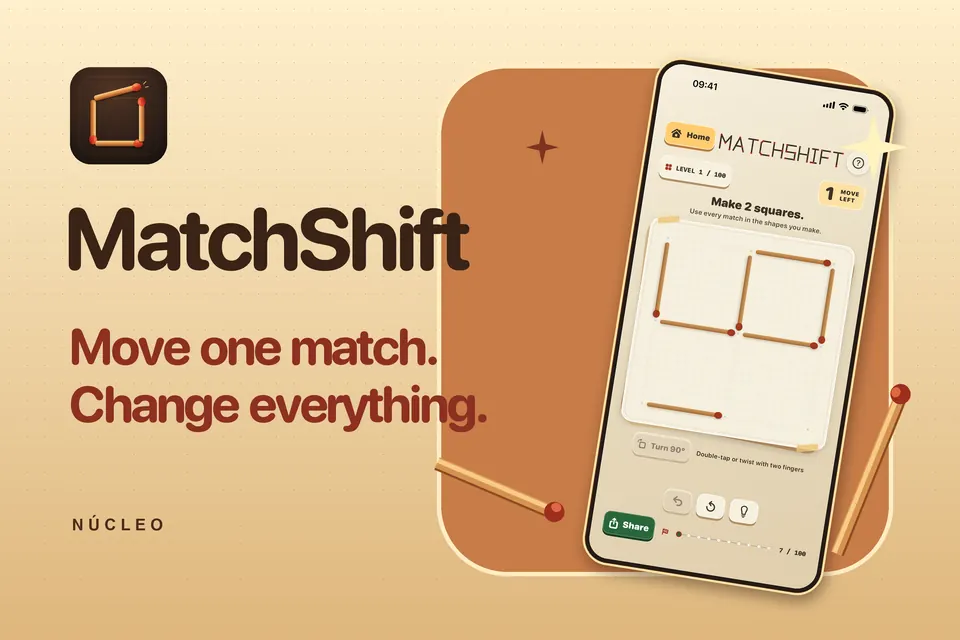
Drag and rotate matches to build the target figure within the move limit. The pieces snap into place so you can focus on the puzzle.
In preparation for the App Store
A closer look.
Select an image to view it larger. Swipe to explore.
Rearrange the matches within the move limit.
Rotate the matches to build the target shape.
Open the game and pick up where you left off.
Choose where to share a puzzle.
Framed native development screens with localized captions.
Why we’re building it
For players who enjoy short visual puzzles and experimenting with different solutions.
When a figure looks almost right, the hard part is seeing which single match changes it.
MatchShift uses direct manipulation and magnetic snapping to make each experiment easy to try.
Rotate a match, snap it into a different slot and check whether the new figure meets the target in the moves you have left.
Work through a campaign of matchstick puzzles, return to solved boards and improve your best move count.
Reposition the matches and let them snap to the board as you build the goal shape.
The board checks whether your figure meets the goal within the allowed moves.
Replay a solved board to improve your move count or try it without a hint.
Puzzles, records and settings are available offline. Progress and play statistics stay on the device.
In preparation for the App Store
The iPhone and iPad edition is in preparation for the App Store.
Ask us by emailInformation reviewed November 5, 2026Yes. Puzzles, progress and local records work without a connection.
Your progress and gameplay statistics are stored on your device. You can export statistics through the iOS share sheet.
Email hello@nucleo.build with the app version, your device model and the affected puzzle.
Help and information for MatchShift.
hello@nucleo.build · +1 415 941 8340
2026 NUCLEO